
Build a Workspace That Works for You
A well-adjusted workstation can improve comfort, reduce unnecessary strain, and help you work more efficiently.
Before You Start
There is no perfect workstation. Your ideal setup depends on your height, job, equipment, vision, and comfort preferences. The goal is to create a setup that allows comfortable working while making it easy to change positions throughout the day.
STEP-BY-STEP GUIDE
The PhysioGain Workstation Blueprint
🪑 Step 1 – Adjust Your Chair
Goal: Provide stable support while allowing comfortable movement.
- Feet flat on the floor or on a footrest.
- Hips slightly higher than or level with the knees (comfort matters more than exact angles).
- Sit back to use the backrest when appropriate.
- Relax your shoulders.
- Leave a small gap between the back of your knees and the seat edge.
Common Mistakes: Sitting on the edge all day, locking the backrest completely, chair too high or too low.
🪑 Step 2 – Set Your Desk Height
Your desk should allow you to keep your shoulders relaxed and work without reaching excessively.
- If too high → Raise your chair and use a footrest if needed.
- If too low → Raise the desk (if adjustable) or use a desk riser.
🖥 Step 3 – Position Your Monitor
Goal: Keep your neck in a comfortable position.
- Screen directly in front of you.
- About an arm’s length away.
- Top of the screen around eye level or slightly below.
- For dual monitors: Place the primary monitor directly ahead.
Common Mistakes: Looking down at a laptop for hours, twisting neck toward side monitor.
⌨ Step 4 – Keyboard Setup
- Keyboard close to the edge of the desk.
- Elbows resting comfortably by your sides.
- Wrists in a neutral, comfortable position.
🖱 Step 5 – Mouse Placement
- Mouse close to the keyboard.
- Move from the elbow and shoulder rather than only the wrist.
- Consider a vertical mouse if it feels more comfortable.
💻 Step 6 – Laptop Users
For prolonged desk work, use a laptop stand + external keyboard + external mouse. This allows the screen to be at eye level while keeping your hands in a comfortable position.
👣 Step 7 – Foot Position
Feet supported on the floor or a footrest. Avoid crossing legs for long periods. Change leg position regularly.
💡 Step 8 – Lighting
Position the screen to minimize glare. Use adequate room lighting and adjust screen brightness to match your environment.
📱 Step 9 – Frequently Used Items
Keep your mouse, keyboard, notebook, water bottle, and phone within easy reach to reduce repeated reaching and twisting.
FOR EVERYONE
Workstation Setup for Different Users
Work From Home
Laptop stand + external keyboard often makes the biggest difference.
Office Workers
Focus on adjustable chair and scheduled movement breaks.
Students
Avoid long study sessions on the bed. Use a proper desk.
Gamers
Alternate sitting positions and take regular movement breaks.
AVOID THESE
Common Workstation Mistakes
Leaning Toward the Screen
Increase text size instead of leaning forward.
Working Only on a Laptop
Use external accessories for prolonged work.
Sitting Without Breaks
Set reminders to move every 30–60 minutes.
Reaching Too Far for the Mouse
Bring the mouse closer to the keyboard.
Ignoring Comfort
If it feels uncomfortable, adjust it.
QUICK CHECK
The 30-Second Workstation Check
RECOMMENDED PRODUCTS
Essential Products That Can Help
FAQs
Frequently Asked Questions
How high should my monitor be?
Top of the screen around eye level or slightly below. Adjust based on comfort.
Is a standing desk better?
Alternating between sitting and standing is generally best.
How often should I move?
Aim to change position every 30–60 minutes.
Can workstation setup cure pain?
It may improve comfort, but persistent pain often needs a broader approach including exercise and professional assessment.
EXPLORE MORE
Explore Related Guides
Small Changes Can Make a Big Difference
Your workstation doesn’t need to be perfect. A few thoughtful adjustments, combined with regular movement and healthy work habits, can make long hours at your desk more comfortable and sustainable.
🪑 Book a Workstation AssessmentOUR RECOVERY PROCESS
Your recovery,
simplified.
Every recovery journey is unique. We combine evidence-informed physiotherapy
with personalized care to help you move better and live pain-free.
Book
Book your assessment online in just a few clicks.
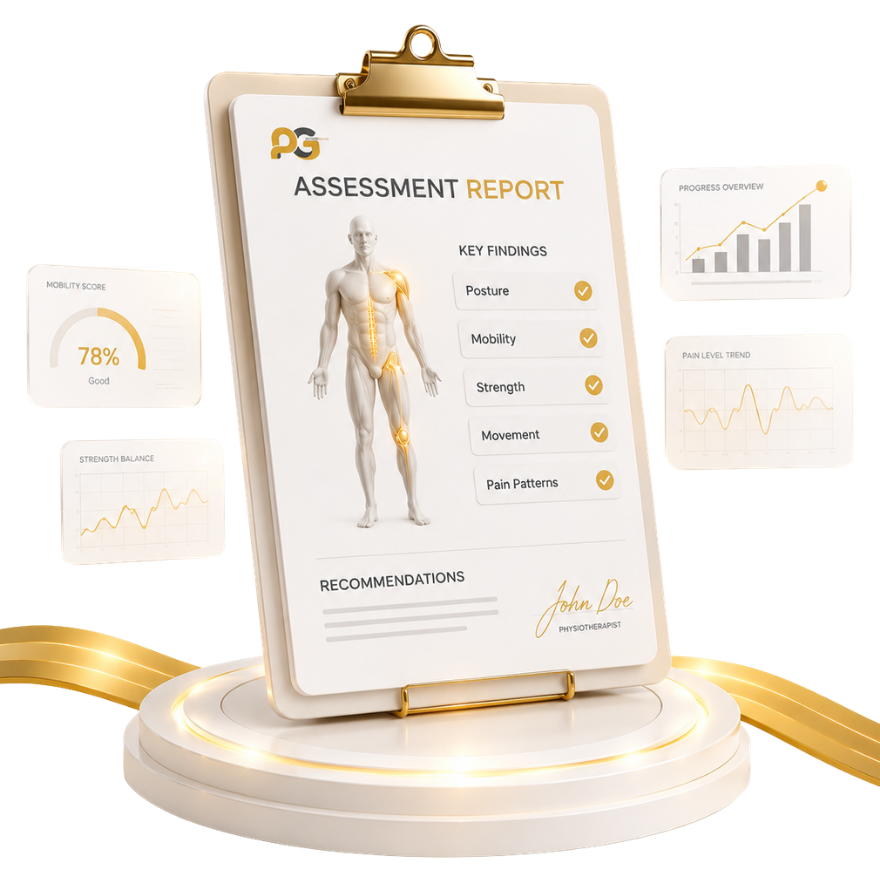
Assess
Understand the root cause through a comprehensive physiotherapy evaluation.
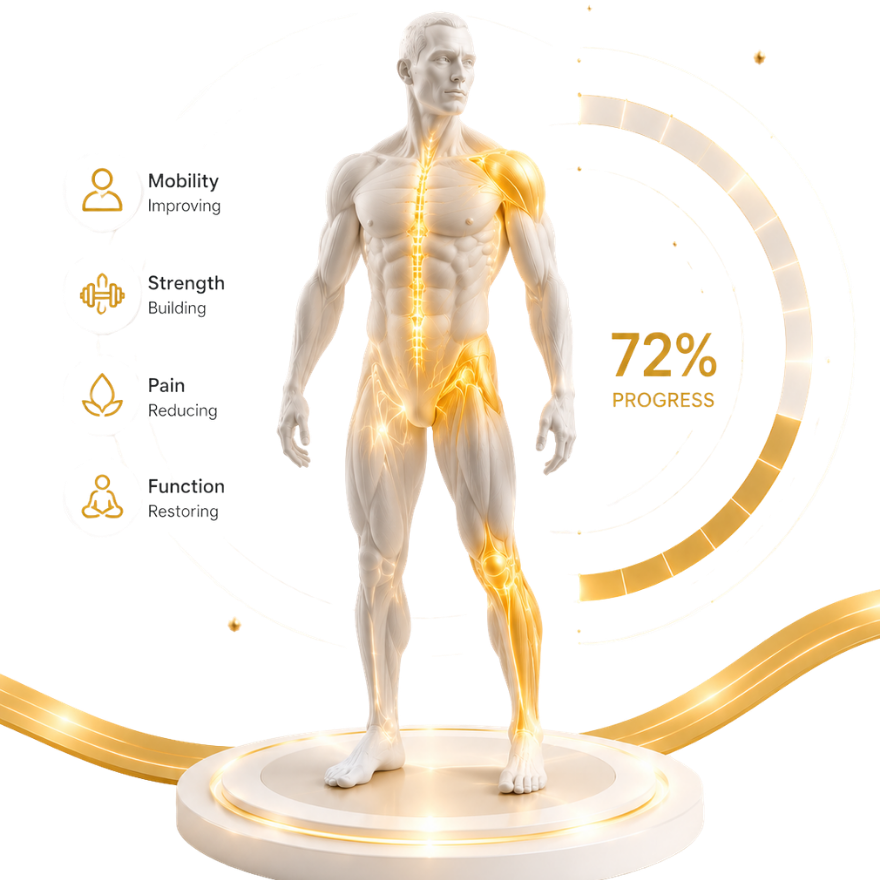
Recover
Receive a personalized rehabilitation plan tailored to your goals.
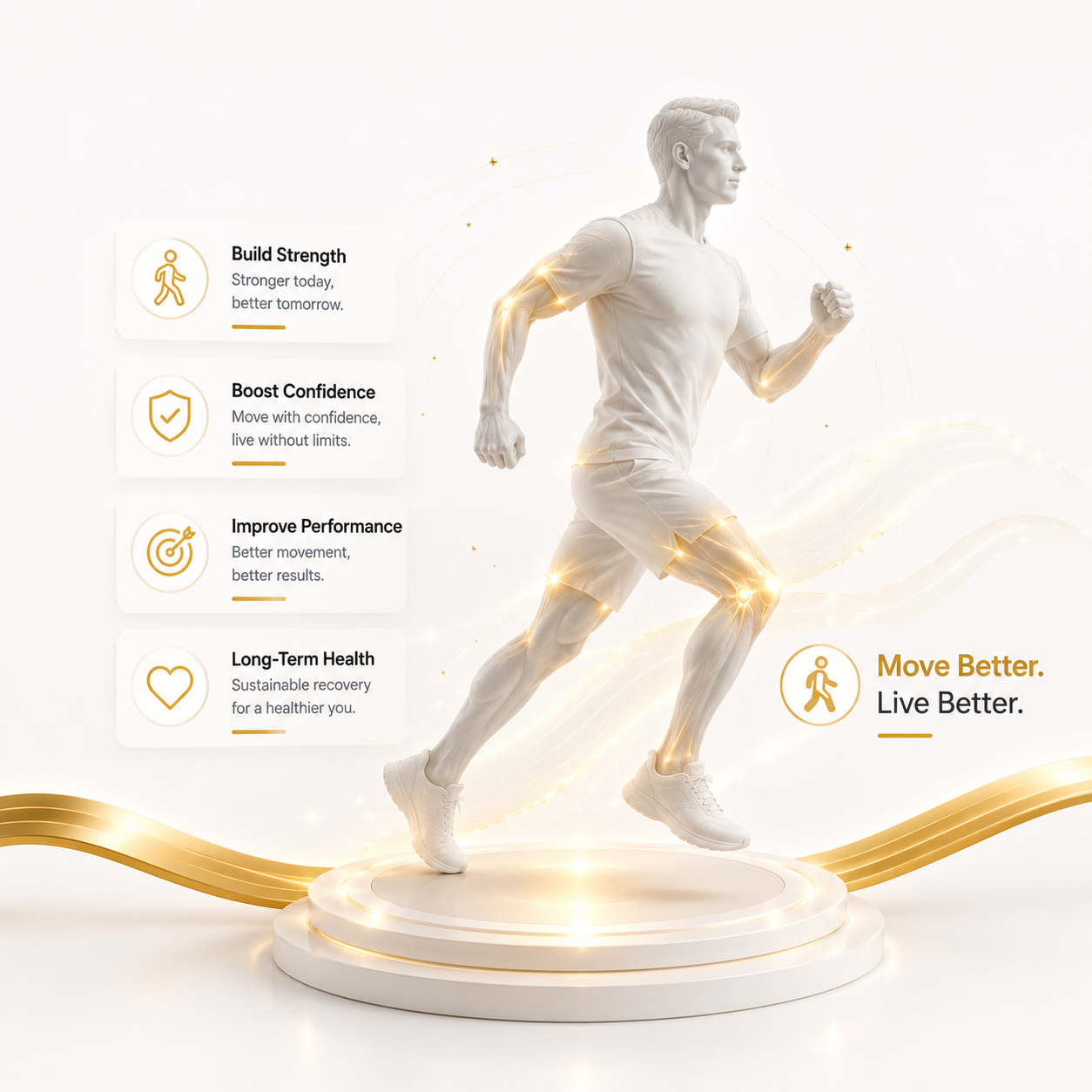
Move Better
Build strength, confidence, and long-term movement health.
We're with you at every step—guiding, supporting, and celebrating your progress.